Blogs
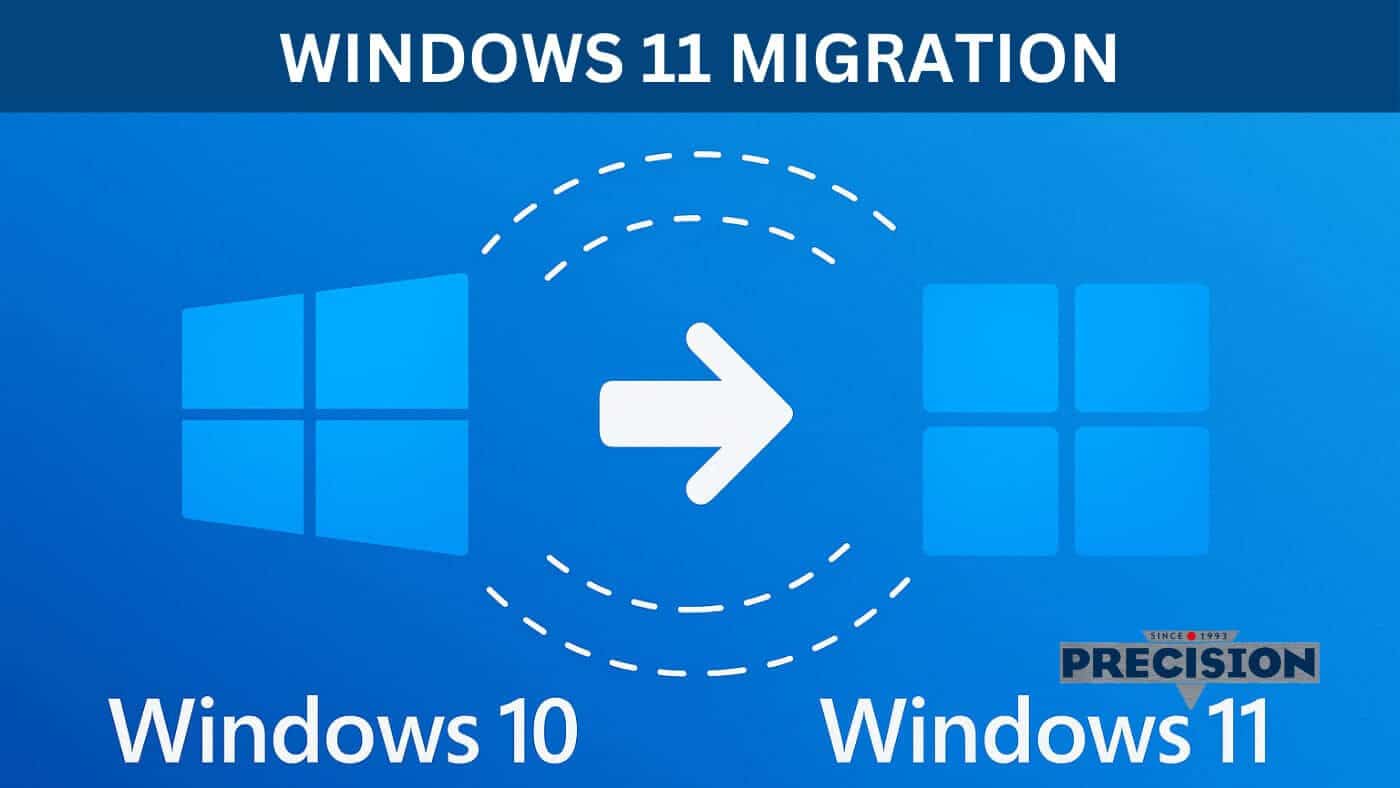
Windows 11 Migration
Table of Contents
- Why Windows 11 Migration Matters
- Security at the Core of Windows 11
- Performance Gains You’ll Notice Every Day
- A User Interface Designed for Productivity
- Challenges of Windows 11 Migration
- Windows 11 for Business Continuity
- Gaming and Creative Benefits of Windows 11
- The Precision Computers Advantage
- Steps in the Windows 11 Migration Process
- FAQs
As Microsoft phases out support for Windows 10, millions of individuals and businesses face a pivotal decision: how and when to complete their Windows 11 migration. With the end of support for Windows 10 set for 14 October 2025, upgrading is no longer optional — it’s essential for security, compatibility, and long-term system performance. At Precision Computers, operating since 1993, we have more than 30 years of expertise in guiding customers through transitions like these. Whether you’re a home user or a business running dozens of PCs, our team ensures your move to Windows 11 is seamless, secure, and supported for the long term.
Why Windows 11 Migration Matters
The transition to a new operating system is more than just an update — it’s about preparing your devices for the future. Here’s why a Windows 11 migration is critical:
✅ End of Windows 10 Support: After October 2025, there will be no more free security patches or bug fixes. Running Windows 10 beyond that date means exposing your systems to cyber threats.
✅ Enhanced Security in Windows 11: Hardware-based protections like TPM 2.0, Secure Boot, and virtualisation-based security create stronger defences against ransomware, malware, and firmware attacks.
✅ Modern Features and Better Performance: Faster boot times, smarter memory management, and optimised support for hybrid work make Windows 11 smoother and more efficient than its predecessor.
✅ Software and Hardware Compatibility: Many future applications will require Windows 11 APIs, meaning older systems may struggle with updates. Migrating now ensures ongoing compatibility.
At Precision Computers, we help you weigh these considerations and prepare for a migration that protects both your productivity and your budget.
Security at the Core of Windows 11
Cybersecurity is one of the biggest drivers of Windows 11 migration. Microsoft has shifted toward a “zero trust” approach, requiring technologies like Trusted Platform Module (TPM) 2.0 and Secure Boot. Together, these protect against firmware tampering and provide the foundation for tools like BitLocker encryption and Windows Hello biometric login.
For businesses in Brisbane and beyond, this means stronger compliance with modern security standards. For everyday users, it means less risk of identity theft and data loss. Precision Computers ensures all new systems we build include these security technologies by default, backed by our 3-year warranty and 5 years of technical support.
Learn more about our IT support services here.
Performance Gains You’ll Notice Every Day
Another compelling reason to move forward with your Windows 11 migration is performance. Windows 11 has been engineered to work more efficiently with modern processors and SSD storage. Some of the improvements include:
Smarter memory management to prioritise foreground apps.
Faster wake times from sleep on modern laptops.
Better battery efficiency for portable devices.
Support for DirectStorage, which allows NVMe SSDs to load games and apps in seconds.
For businesses, these improvements translate to greater productivity and less time wasted waiting for applications to load. For gamers, it’s a leap forward in responsiveness and visual fidelity.
Explore custom-built PCs optimised for Windows 11.
A User Interface Designed for Productivity
Microsoft hasn’t just improved the backend — Windows 11 also comes with a refreshed interface designed to improve productivity.
✅ Snap Layouts and Snap Groups let you organise multiple windows effortlessly.
✅ Virtual Desktops help you separate work, study, and personal projects.
✅ Centred Start Menu provides a cleaner and more streamlined look.
✅ Direct integration with Microsoft Teams supports hybrid and remote collaboration.
At Precision Computers, we’ve seen many customers appreciate these subtle but powerful changes during their migration. They reduce clutter, streamline multitasking, and ultimately help you get more done in less time.
Challenges of Windows 11 Migration
Of course, migration isn’t always simple. Many older devices do not meet Windows 11’s strict requirements. Minimum specifications include:
Intel 8th Gen or AMD Ryzen 2000-series processor (or newer).
UEFI firmware with Secure Boot support.
TPM version 2.0 enabled.
For some users, this may mean enabling options in the BIOS. For others, it may mean upgrading the CPU, motherboard, or replacing the entire machine. Precision Computers provides both hardware upgrade services and custom-built systems that are ready for Windows 11 out of the box.
Check your upgrade options here.
Windows 11 for Business Continuity
For businesses, the importance of a timely Windows 11 migration cannot be overstated. Delaying the upgrade could lead to:
Security breaches due to unsupported Windows 10 machines.
Compatibility issues with new business software.
Higher costs as IT teams scramble to replace systems at the last minute.
Precision Computers offers tailored services for Brisbane businesses, including fleet upgrades, system imaging, and on-site support. By planning your migration now, you can spread costs, schedule upgrades around peak periods, and train staff on the new features before Windows 10 support ends.
Gaming and Creative Benefits of Windows 11
Windows 11 isn’t just for businesses — gamers and creative professionals benefit as well. Features like Auto HDR and DirectStorage provide console-like performance on PCs. Content creators gain better GPU scheduling and integration with tools like Adobe Creative Cloud.
For gamers upgrading their rigs, Precision Computers offers high-performance custom PCs, complete with free delivery in the Brisbane metro. These machines are built for reliability, performance, and future-proofing.
The Precision Computers Advantage
What sets Precision Computers apart in the Windows 11 migration journey is our decades of experience and customer-first approach:
✅ Established in 1993: Over 30 years of trusted service.
✅ Custom-built PCs: Tailored systems with a 3-year warranty and 5 years of support.
✅ Expert Technicians: Specialists in both consumer and enterprise IT.
✅ Free Delivery: Available across the Brisbane metro area on new systems.
✅ Local Stores: Conveniently located in Geebung (Northside) and Mount Gravatt (Southside).
We’ve helped thousands of customers in Brisbane and surrounding areas make technology transitions smoothly and affordably.
Steps in the Windows 11 Migration Process
At Precision Computers, we take a structured approach to migration:
Compatibility Assessment – We check your system’s CPU, TPM, and Secure Boot settings.
Hardware Recommendations – If upgrades are needed, we provide affordable, compatible options.
Data Backup and Transfer – Ensuring no files or configurations are lost.
Installation and Optimisation – Installing Windows 11, drivers, and essential software.
Post-Migration Testing – Verifying stability, security, and performance.
Ongoing Support – With our 5-year technical assistance, we’re here long after the migration is done.
FAQs
When does Windows 10 support end?
Microsoft will end support for Windows 10 on 14 October 2025, after which it will no longer receive updates or security patches.
Why should I upgrade to Windows 11?
Windows 11 provides enhanced security, faster performance, modern features, and ensures your PC remains supported.
Can my current computer run Windows 11?
Windows 11 requires TPM 2.0, Secure Boot, and an 8th-gen Intel or newer processor. Precision Computers can check compatibility.
What if my PC is not compatible with Windows 11?
We can provide upgrades or build a new custom system with a 3-year warranty, 5 years of support, and free Brisbane delivery.
How long does Windows 11 Migration take?
Most migrations can be completed in 1–2 business days, depending on your system and data transfer requirements.